Step 7 - Load the Mold Base
-
Activate the Main Assembly.
-
Click Mold Base > New Mold Base.
The Mold-Base Plate Set Wizard is displayed. -
Select the HASCO mm Configurations catalog.
- Select Item > K-Series.
- Select 9 plates B (with the support plate on the Movable side).
- Set the Catalog Code (configuration size) to 346 346.
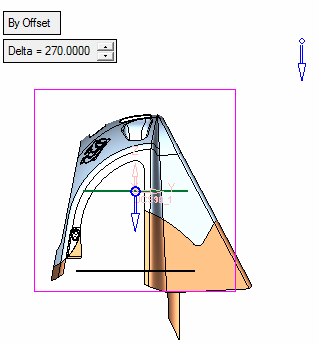
- After the parameters have been entered, press the Hide Dialog buttonHide Dialog button to view the bounding box around the work part.
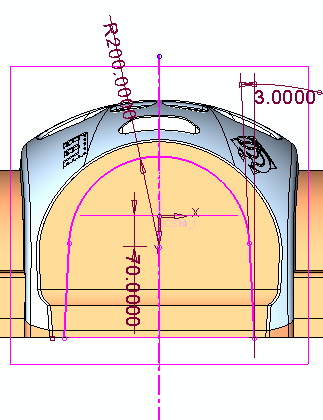
-
Click Next.
