|
|
Step 8 - Holder Collision Check
-
Show the 2nd Gouge set.
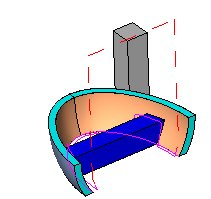
-
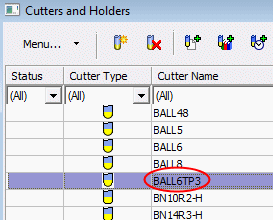
Duplicate the procedure. Change the cutter to BALL6TP3BALL6TP3.
-
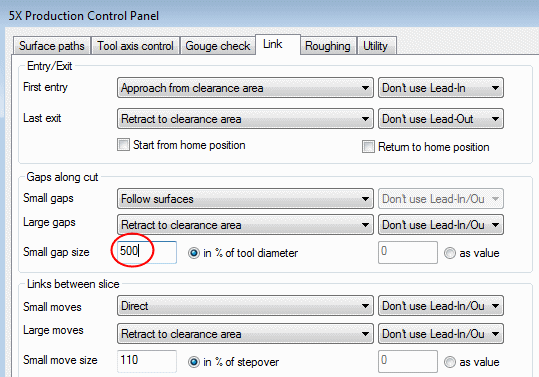
Open the dialog and click the Link tab.
Change the Small Gap Size to 500.
-
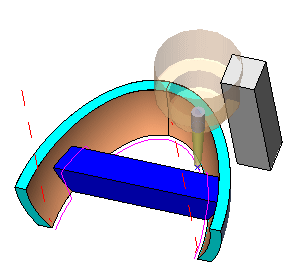
Save & Calculate the procedure and examine the results.
Notice that the cutter doesn’t gouge the faces (as before), but the holder gouges the vertical box on the side. Let’s assume that this is a clamping device that we want to avoid gouging.
-
Edit the procedure.
In the 1st gouge check group, mark the Check Surfaces (#1) check box.
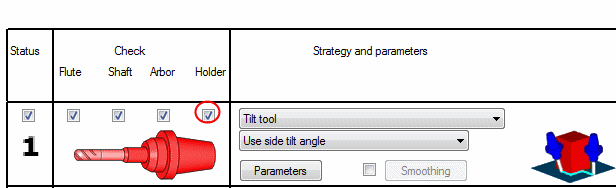
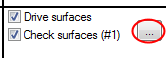
-
Select all faces of the vertical box as Check Surfaces (#1).
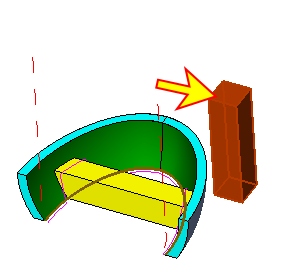
-
Select OK and Save & Calculate the procedure. Examine the results.
As a result of your new definitions, the cutter tilts away more to ensure that the holder does not gouge.
Because of the extra tilt, the motions are changed. Notice the difference between the old and new TP.
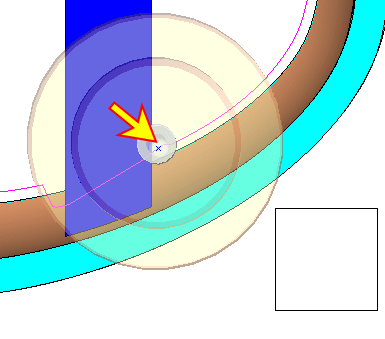
The result can be seen in SIMPLE_NC_Complete.elt.


