Step 8 - Cut Active
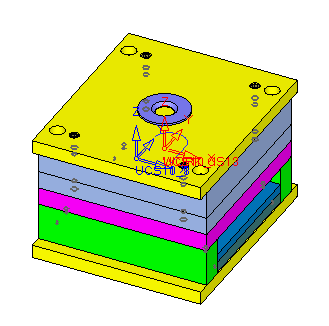
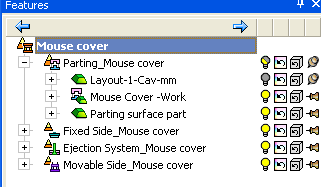
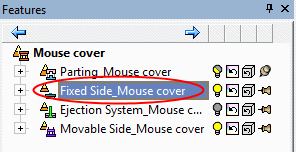
The Mold Base is loaded. The tree contains the relevant sub assemblies: Fixed Side, Ejection System, and Movable side.
-
Click Cut Active.

-
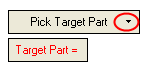
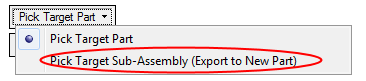
Open the drop down menu next to the Pick Target Part option.
-
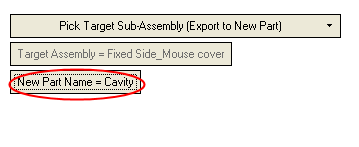
Select Pick Target Sub- Assembly (Export to New Part).
-
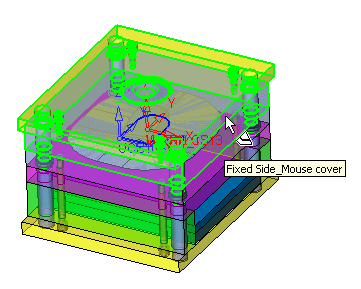
Select a target sub assembly from either the feature treefeature tree or from the display area.
Select the Fixed Side_Mouse cover as the target assembly.
-
Rename the new part Cavity.