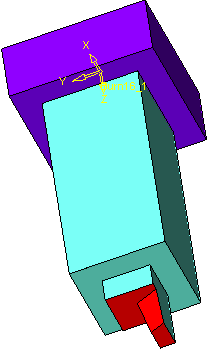
Trim
Trim
-
Extract an electrode on the extrude circled in the following image:
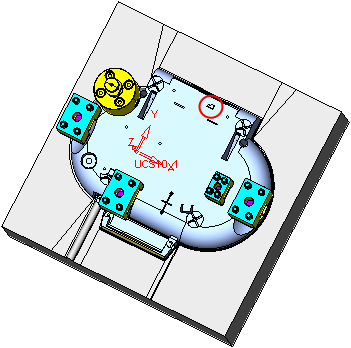
-
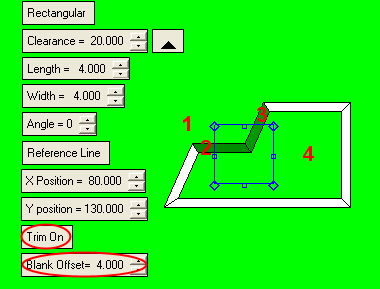
Attach the four faces indicated using the following parameters.
Select the Trim On option and set the Blank Offset to 4.
A visual description of the blank offset from the burning area is shown in the following image.
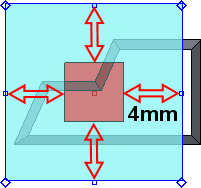
-
Create the remaining electrode features.