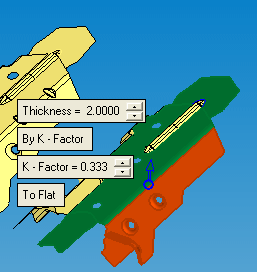
Station 5 - Unbend and Local Blank
Unbend
The Unbend operation enables you to unbend and flatten specific areas of the die part along cylindrical (and cone) faces.
The length of the original cylindrical faces remains the same without any changes after the unbending result is achieved.
-
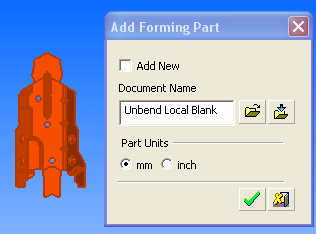
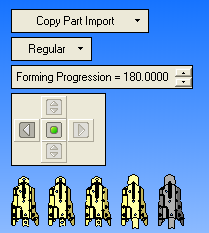
Create a new forming shape and name it Unbend Local Blank as shown in the following image:
-
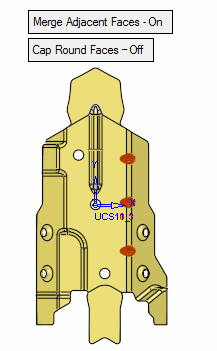
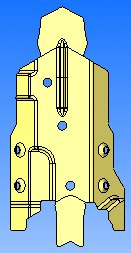
Perform the Remove & Extend operation on the dimples as shown below.
-
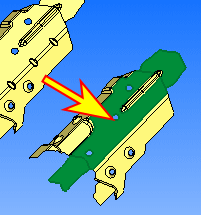
Click UnbendUnbend
 and select the reference face as indicated by the arrow as shown below:
-
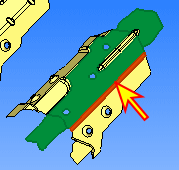
Select the cylindrical face and Exit.
-
Accept the default parameters. Set the arrow direction to be upwards as shown in the following image: