|
|
Deselect
Individual entities can be deselected by clicking on them.
To deselect multiple entities, a selection box is dragged around the entities while holding down the Shift key.
-
Restore the selection filter defaults by selecting the Reset iconReset icon
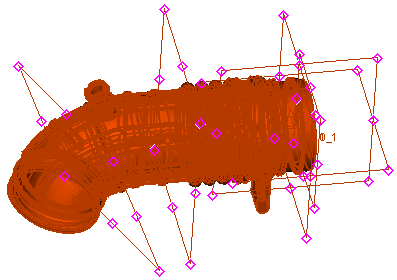
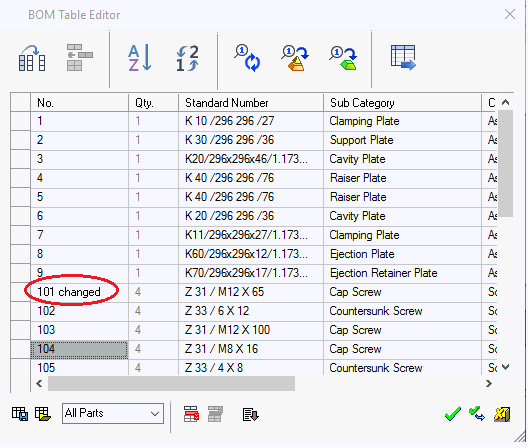 , select the datum filter, and select all entities.
-
While pressing down on the Shift key, drag a box from right to left as shown.
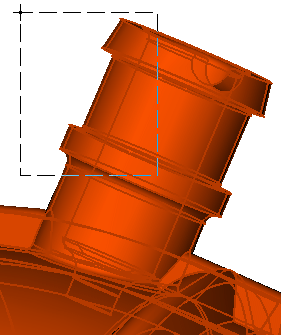
Only entities fully contained within the box are selected.
-
Now, while pressing the Shift key, drag a box from left to right.
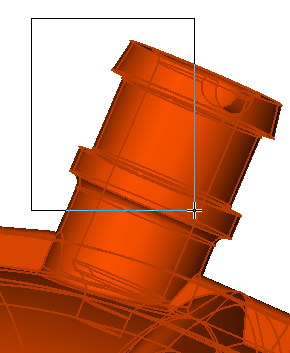
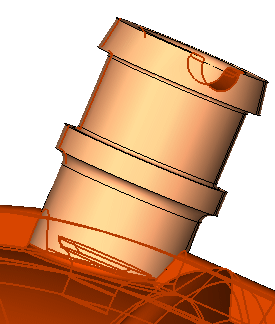
This time entities partially selected by the box have been deselected.
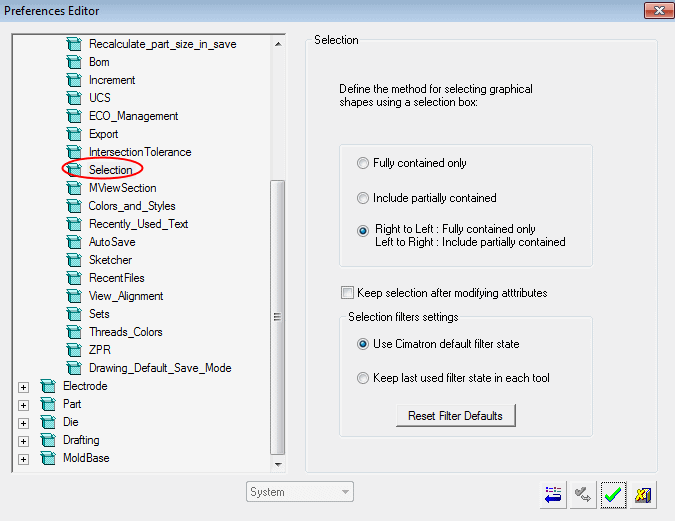
The Selection rectangle options can be set under Tools > Preferences > General > SelectionTools > Preferences > General > Selection.