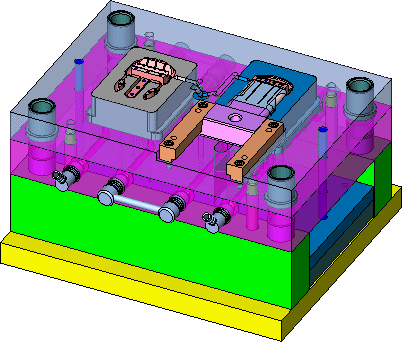
Assembly Environment - M-View
Visibility
-
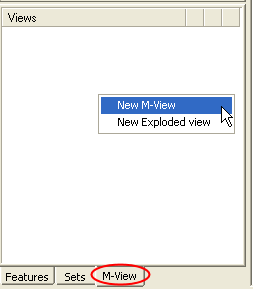
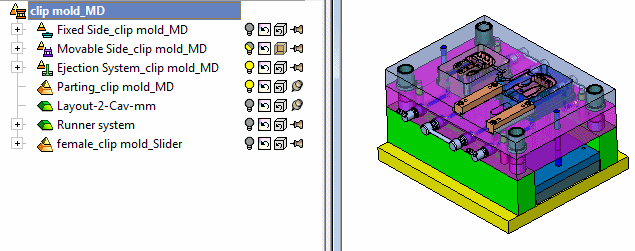
Use the Clip Core Assembly from the last exercise; With the Fixed Side, Runner system, and Cooling part in the movable side hidden, create an M-View - Click on the M-View tab at the bottom left of the screen, right-click in the M-View tree and select New M-View.
-
Show the female clip mold assembly and then double-click on the M-View created.