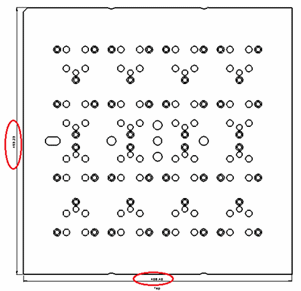
XYZ Bounding Box Dimensions
Adding an XYZ Bounding Box
The 3 bounding box dimensions of the part (X,Y,Z) can be added when creating a multi view. The dimensions are normally added on the Top view (if it is created) and one perpendicular view. In the case of revolved parts, the system creates a single diameter dimension instead of the X and Y dimensions. This is especially useful when creating a multi-frame drawing holding multiple parts.
- Open the Multi View Creation dialog and load the A-Plate.elt part.
- Expand the dialog and notice the new option.
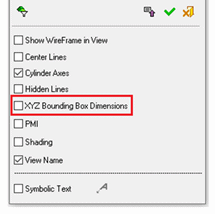
- Select the option and press OK.
- See that bounding box dimensions are automatically created with the view.