Blank New Constraint
Step 1 - Blank New Constraint
-
Load the blank new constraint.elt file.
-
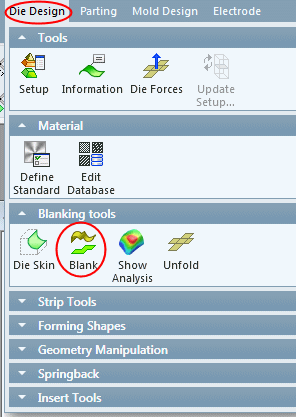
Click Die Design > Blanking Tools > BlankDie Design > Blanking Tools > Blank.
-
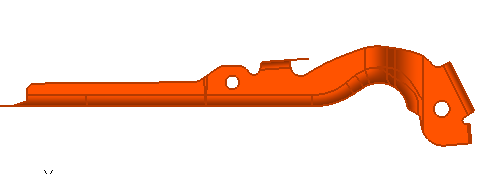
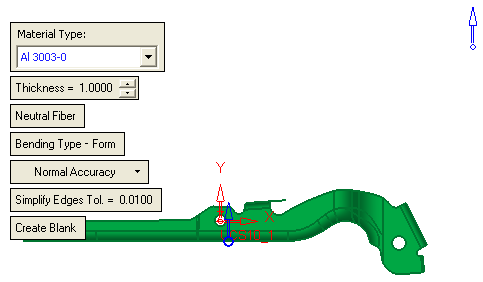
Select the part and Exit.
-
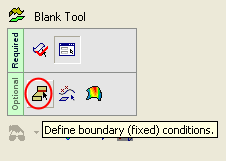
Select the first Optional step, Define Boundary (Fixed) Conditions.