Increase productivity with time-saving automation and full flexibility
Enjoy complete
flexibility to determine the number of progressions (stations), progression
distance (pitch), strip width, blank location, blank angle, distance
between rows and other nesting parameters. Make and view changes
on-the-fly with real-time simulation and validation. Create and relocate trimming
punches, carriers and pilots while visualizing the impact of each
cut operation on the remaining strip. 'Pick and drop'
your selected freeform shape from the shape forming area into the
strip to achieve your desired strip/transfer layout. Designers used
to working in 2D will enjoy Cimatron's
Strip Layout Design environment, offering a similar 2D working experience
with additional productivity enhancing features.
For additional information, see the DieDesign module and also the list of DieDesign functions.
|
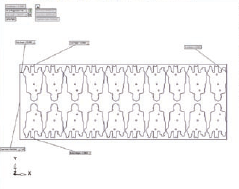
Strip layout dimensions with on-screen indications and real time simulation
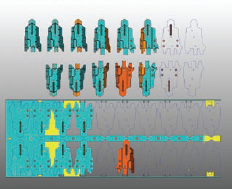
Visualize the impact of each operation on the remaining strip. 'Pick and drop' selected freeform shapes onto the strip
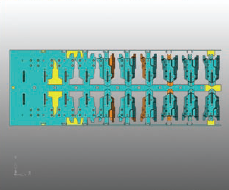
Easy viewing of each station on the strip
|
