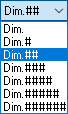
Dim Text: Dimension Parameter
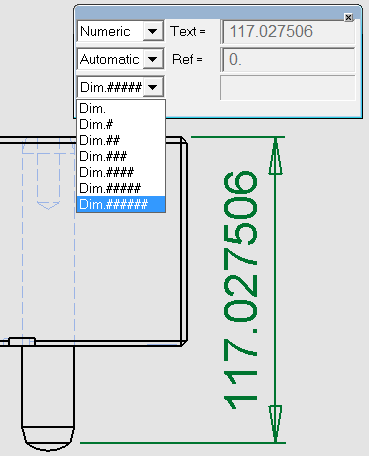
Set the parameters defining the dimension text:
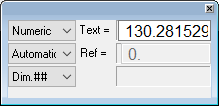
How to use Dim. Text:
Selecting Textual (in the Numeric/Textual dropdown list) allows you to enter any text as the dimension text. (Up to 19 characters). Selecting Manual (in the Automatic/Manual dropdown list) allows you to enter any dimension. A line appears under the dimension to indicate that it does not reflect the model's dimensions. See Dimension Parameters for examples. |
|