Verify the G-Code
Before verifying the G-Code, define the CNC editor. Click Tools > Preferences.
In the preferences box select the CAM field in the features tree, and set the full path name of Ficedw.exe in the Editor field (by default option).
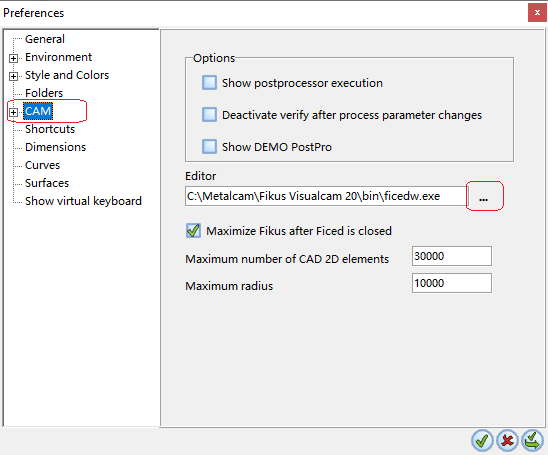
Click ApplyApply, and OKOK  .
.
Click VerifyVerify  . A window showing the G-Code is displayed.
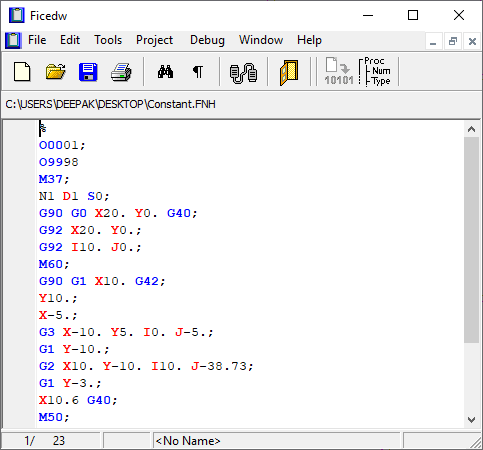
If you have more than one Toolpath, select the one you want to verify before clicking VerifyVerify .
