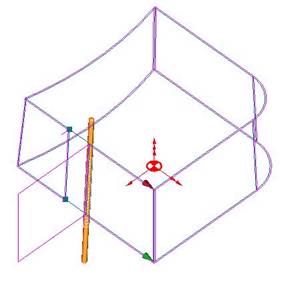
Process Creation
Now that you have created the part, you will create the process.
Press on the Constant Conic processConstant Conic process button. The Process Definition dialog is displayed:
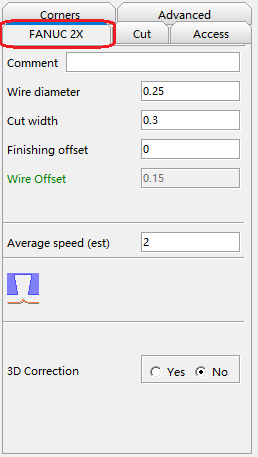
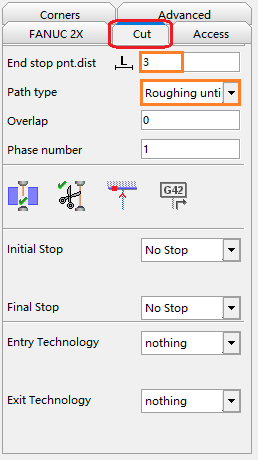
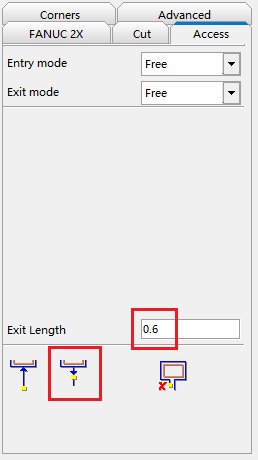
Enter the parameters as indicated in the figures below:
-
Basic
-
Path
-
Access
The process you have just defined is displayed in the Toolpath Manager under the part and marked by a red light mark indicating that it has not been calculated yet.
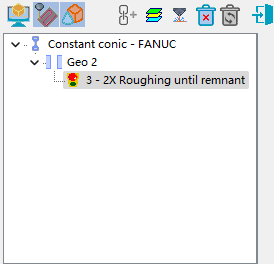
To calculate the process, click the right mouse button on the name of process.
Click Calculate or the Calculate buttonCalculate button  to confirm the parameters entered and to calculate the machining.
Note that a green light now is displayed , meaning that the process has been calculated without any problems.