Simulation
You are now going to verify the result by a 3D simulation.
Select the process and click the Simulation buttonSimulation button . Set the parameters as indicated below:
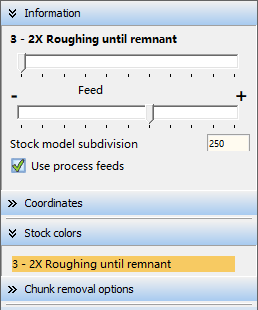
Click the Play buttonPlay button to start the simulation.
(You can dynamically rotate the part during the simulation by pressing the right mouse button while moving the mouse).
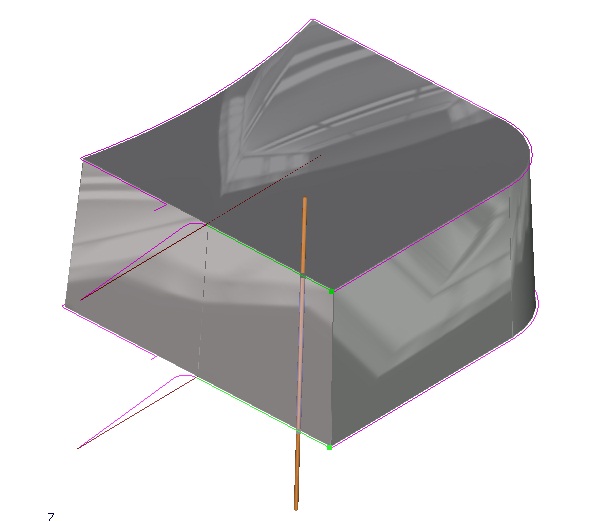
To exit the simulation, click the Exit buttonExit button  .
.
