Die Skin 



Access: Open this function from one of the following locations:
-
Select Die Design > Blanking Tools > Die Skin from the menu bar.
-
Select Die Skin from the following Die Design Guide: Die Process Design Guide (Forming).
Create a skin (with no thickness) from an object. This enables clear and easy analysis of operations in the system.
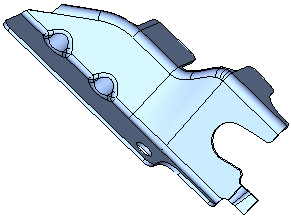
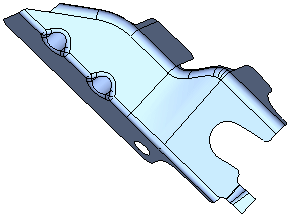
An example is shown below:
|
Solid body before creating the skin |
The skin result. |
|
|
|
General Interaction
The following is the Feature Guide for Die Skin
|
|
|
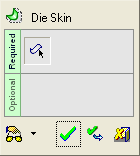
 Tip: You can open the Feature Guide at any time by right-clicking the mouse in the graphic display area.
Required Step 1  : Pick the face(s) of a solid object from which to create the Die Skin.
Detailed Interaction
See Options and Results.
