Preferences General - Concurrent Design
The Concurrent Design dialog is displayed.
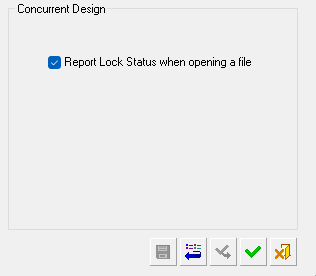
The following parameters are available;
|
Parameter |
Description |
|
Report Lock Status when opening a file |
Set whether the Lock Status of a file is displayed when it is opened. This feature is enabled by default. Cimatron locks access to an open file, preventing a second user from overwriting the primary user's changes. When this checkbox is ON, a dialog will display the current User and Session information if a second user attempts to open a locked file. The file can still be opened, but can only be saved using the 'Save As' command. For more, see Concurrent Design. |
