2.5 Axes  > VoluMill Pocket
  : Creating Multi-Height Pockets: Editing

Access: Open this function from the following location:
Select a technology from the Procedure Parameter Table (2.5 Axes as the main selection and Volumill Pocket as the subselection).
To edit a VoluMill Pocket selection:
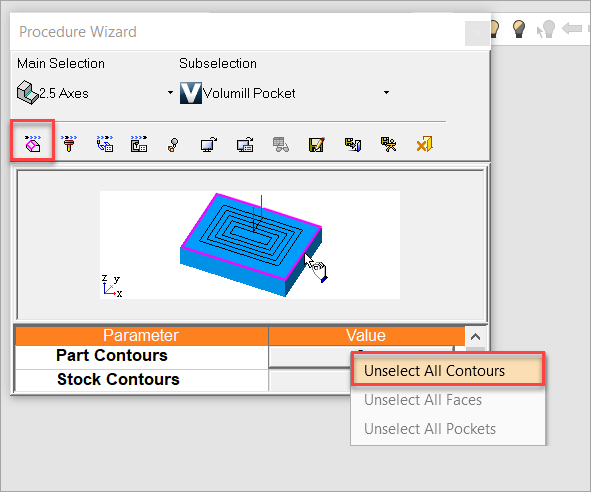
Navigate to the Procedure Parameter Table. From the Geometry branch, right-click in the Value column and select Unselect All Contours.
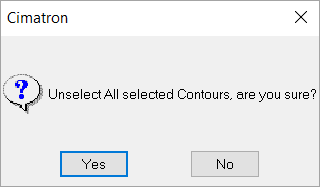
You will be prompted to unselect all selected contours. Select Yes.
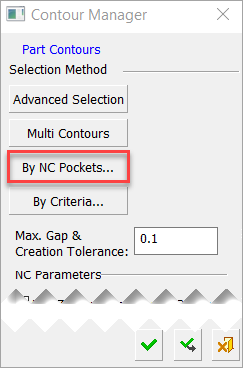
Invoke the Contour Manager dialog by clicking on the Value column in the Geometry branch. Select the By NC Pockets button.
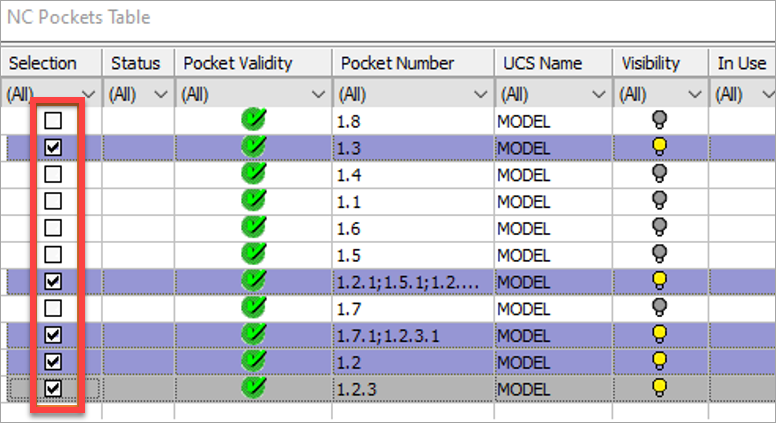
Select pockets from the NC Pockets Table.
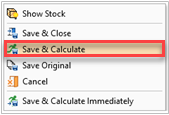
Right-click anywhere in the graphics window and select Save & Calculate.
For more information on creating VoluMill Multi-Height Pockets, see: VoluMill Pockets: Creating Multi-Height Pockets.