|
|
Faces - Activate - Step 2
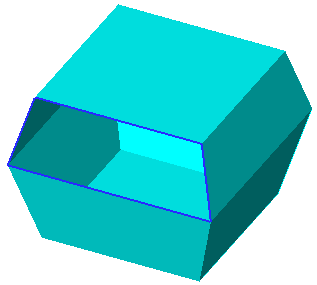
Now the part contains open edges.
-
Display these edges by selecting View > Display Open Edges or selecting Open Edges from the Popup menuPopup menu ( opened using middle and right mouse buttons).

-
Change the Object Color to Magenta.
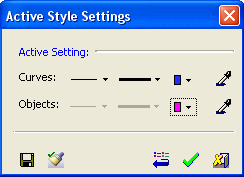
Remember, no objects are currently activated.
-
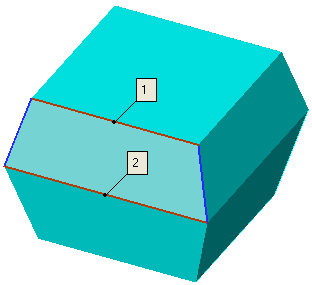
Select Faces > Main Tools > Blend and create a Blend face using the edges shown: