|
|
Activate/Deactivate
Faces - Activate Step 1
-
Undo to restore the part as shown below:
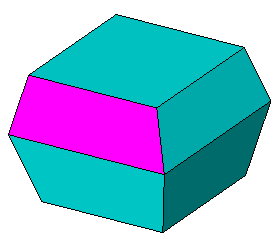
-
RemoveRemove the face shown:
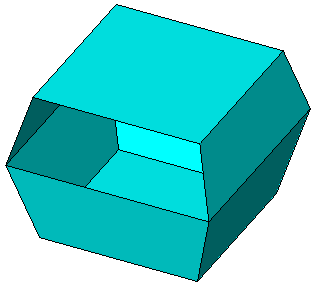
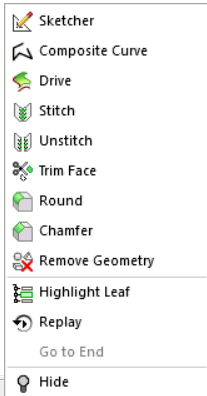
- Select the face and then click Remove Geometry from the popup menupopup menu.
- Click OK in the Feature Guide.
- Select the face and then click Remove Geometry from the popup menupopup menu.


