|
|
Activate 3C
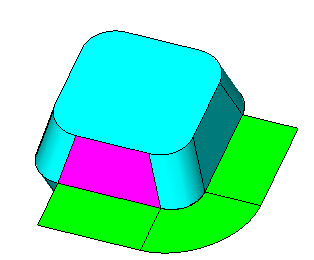
 Create a blend face using the following two lines (1 and 2) as the sections and the curve indicated as the boundary.
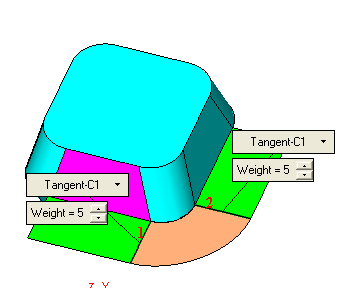
Click OK in the Blend Feature Guide.
|
|
|
|
Activate 3C
Create a blend face using the following two lines (1 and 2) as the sections and the curve indicated as the boundary.
Click OK in the Blend Feature Guide.


|
