|
|


Activate 3B
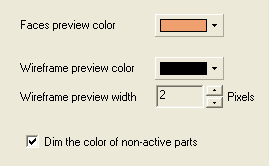
 Set the Preview color to Orange.
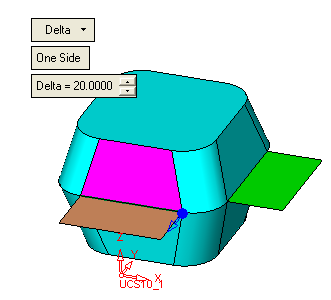
Select Faces/Sweep and create a Sweep with a delta of 20, Along X with the following angle parameters.
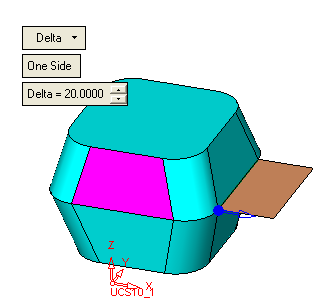
Select ApplyApply and create a second sweep, Along Y.
Activate the second sweep (so that subsequent faces will be attached to it).