|
|
Add Involved Part From Browser
-
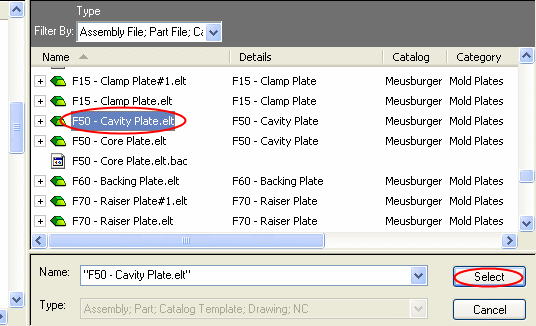
Click the Add Involved Part from Browser button. Select the Cavity plate from the browser.
-
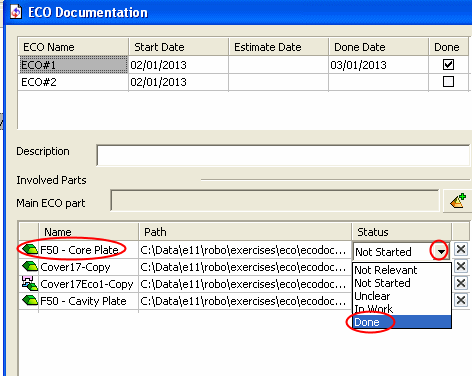
Change the Status of the Core plate.
Press the arrow next to the Status field and select the option Done.