|
|
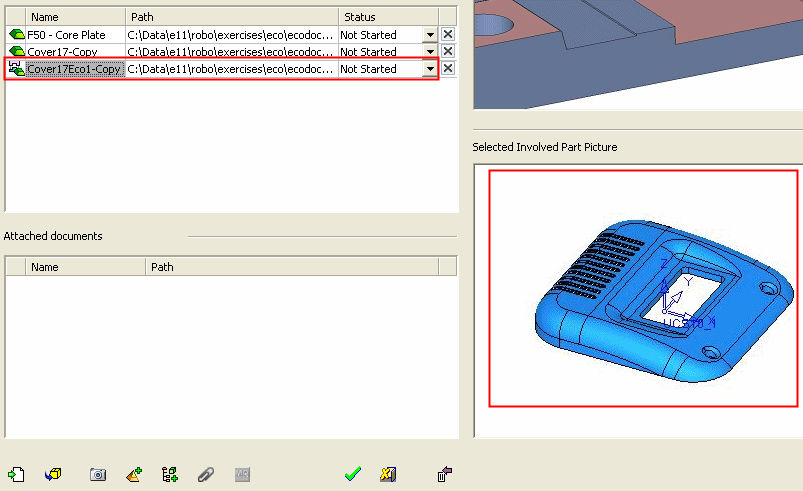
Selected Involved Part Picture
The Selected Involved Part Picture window displays the last saved picture of the relevant part file.
-
Click the last added part and note that its last saved position is displayed in the Selected Involved Part Picture. The three files are now displayed in the table.