|
|


Add Slider - Step 2
-
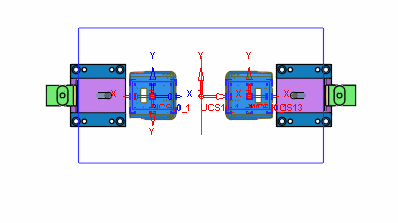
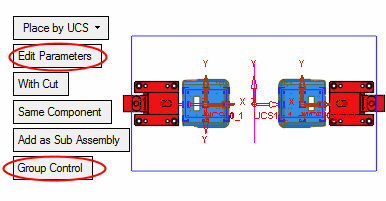
Clear the selection. Enter the second Required step, Place the Component, and change the settings back to Group Control.
-
Click Edit Parameters.
Edit the Slide Z 180 part.
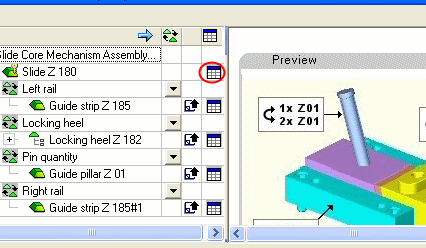
-
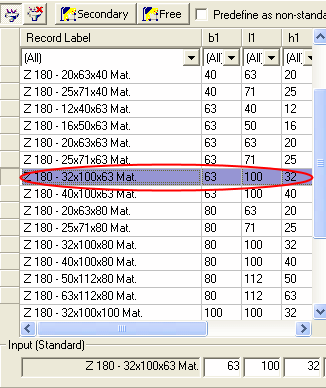
Select the row: Z180 32X100X63, b1 = 63, l1 = 100, h1=32.
Click OK.
-
Click OK.
-
Select OK twice to complete the Add operation.