|
|


Load Mold Base
Load Mold Base
-
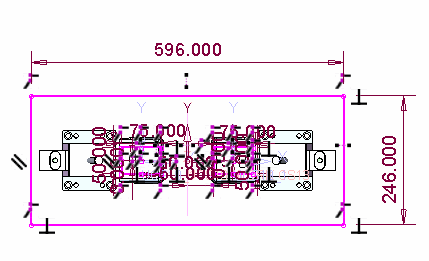
Before loading the mold, you can change the layout dimensions according to the slider size. Update the layout dimensions as shown in the following image:
-
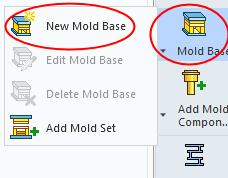
Activate the main assembly. Load the New Mold BaseLoad the New Mold Base from the Hasco mm catalog:
-
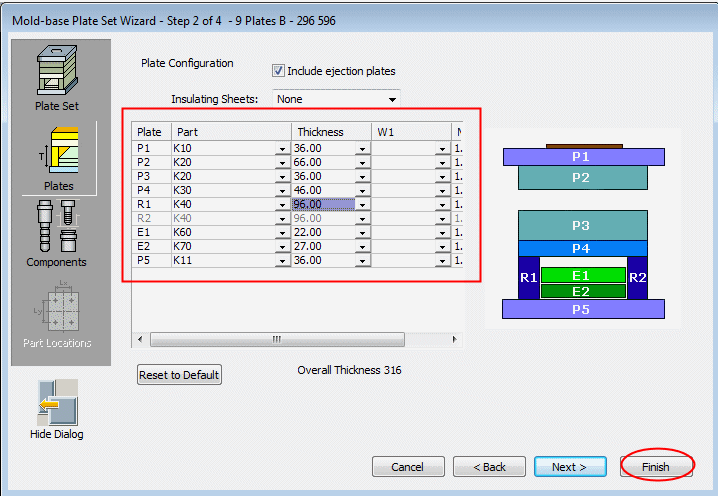
Select the 9 plates B option, 296 596; Mold Orientation = 90°.
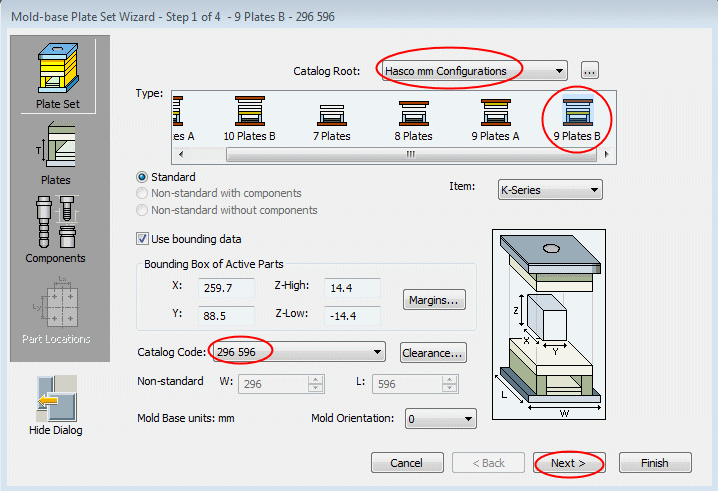
Click Next. -
Change the plate's height as follows:
-
P2 = 66
-
P3 = 36
-
P4 = 46
-
R1 = 96
-
-
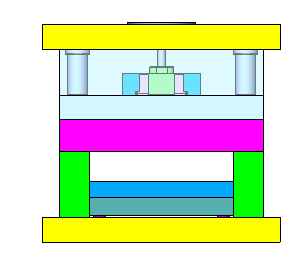
Click Finish.