|
|
Analyze the Result
-
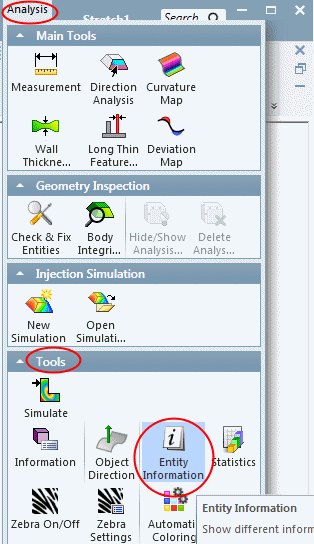
Analyze the result. Select the Entity InformationEntity Information option.
-
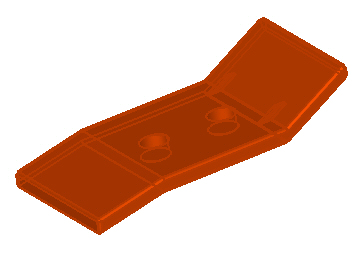
Select the entire object.
-
Click the Unsmooth Connections button shown in the picture below.
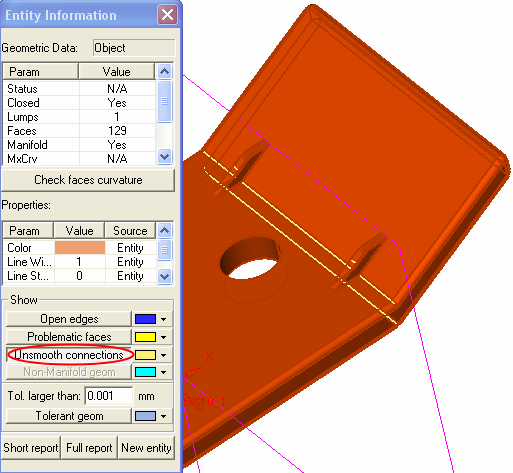
The object is not smooth (the stretched portion is not connected smoothly).


