|
|
Tangent
-
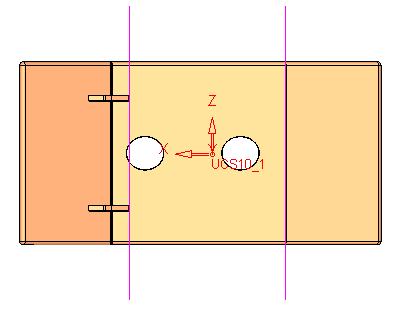
Load the Stretch1.elt file located in the following folder:
\\Cimatron_Documents\Tutorials\Cimatron_2025.0_Workfiles\Design -
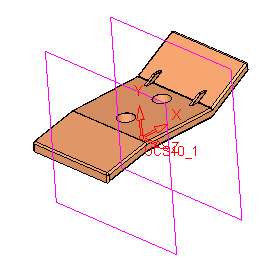
Display the stretch_plane set.
-
Activate the Stretch function.
-
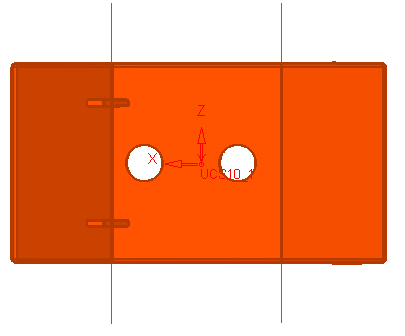
Select the entire object and Exit.
-
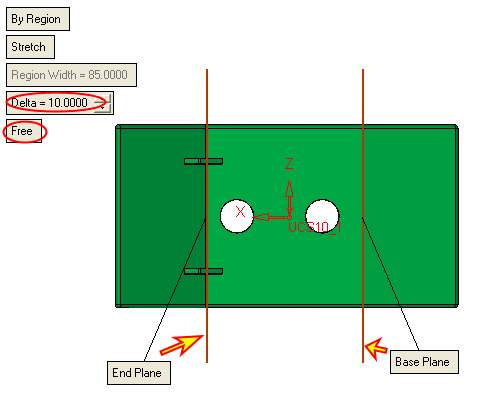
Toggle to the By Region option. Select the two planes as the sections.
-
Set the following parameters: Delta = 10, Free.
-
Click OK.