|
|
Approach-Retract Control - Step 1
The Approach-Retract Control function enables you to have some control over the size of the approach/retract motions and entry feed in all Finish functions.
-
Load the App-Ret_control.elt file.
Note the Optimized mode of the Entry and End Points section, and the resultant approach and retract motions of the procedure.
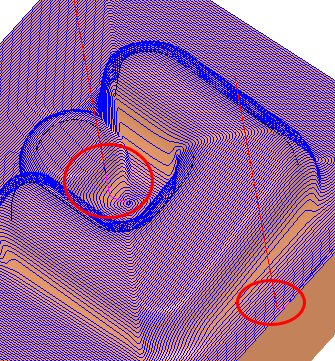

The Entry and End Points dropdown has 2 options: Optimized or Advanced. -
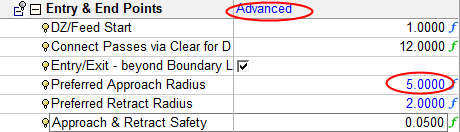
Change the Entry & End Points dropdown list to Advanced.
-
Change the Preferred Approach Radius to 5 and the Preferred Retract Radius to 2.
-
Save & calculate.
-
Check the results.
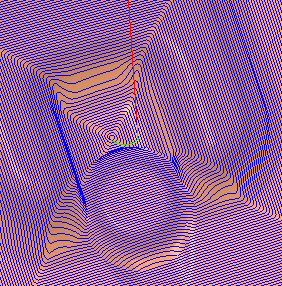
The approach motion size has increased and the retract motion has remained the same size as it was before.


