|
|
Applications 8
-
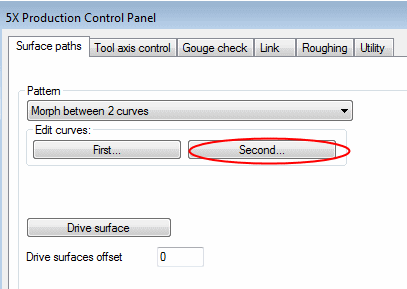
For Edit Curves, click the Second button and pick the second contour.
-
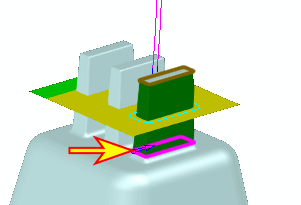
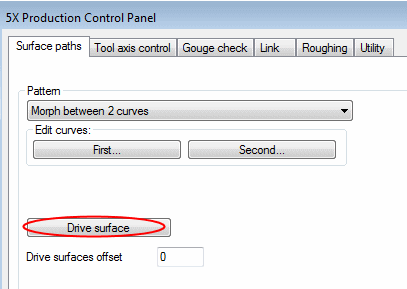
Click Drive surface and select the eight faces as indicated in the second image in the following image:
-
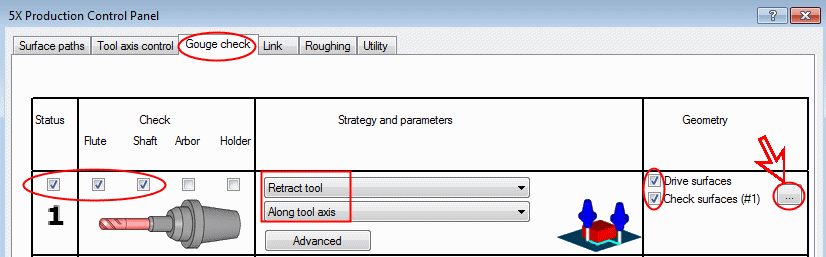
Define the Check Surfaces as shown:
-
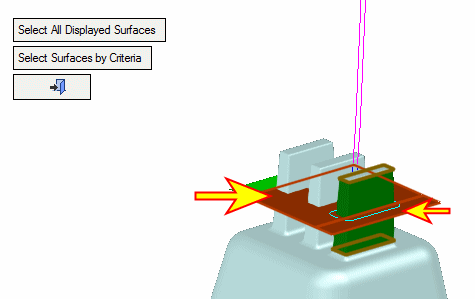
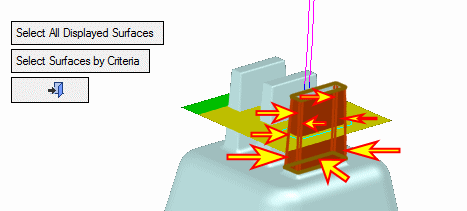
Select the two faces as indicated by the arrows in the following image: