|
|


Assembly Mirror
Assembly Mirror - Step 1
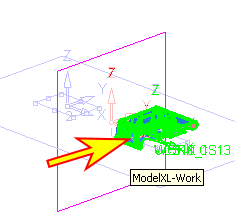
We'll now create a mirror work part.
-
Activate the Parting assembly.
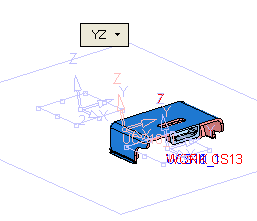
Create a Plane - Main Planes - YZ.
-
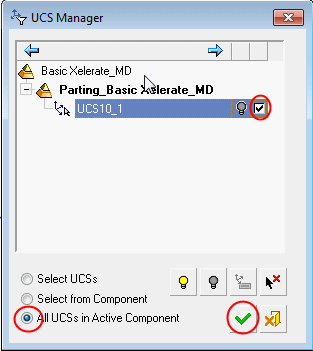
Click the Filter UCSFilter UCS icon to select the parting UCS.

-
Click OK.
-
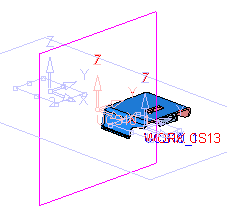
Click Assembly > Assembly MirrorAssembly > Assembly Mirror.
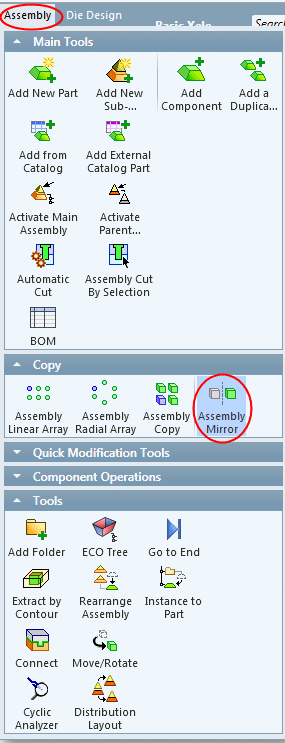
-
Select the work part and Exit.