|
|
Assigning
When assigning attributes to an entity (color, line weight, etc.), higher level entities have priority over lower level entities.
-
Select one curve of the sketch and change its color to yellow.
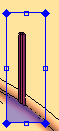
-
Now select the entire sketch and change it to cyan.
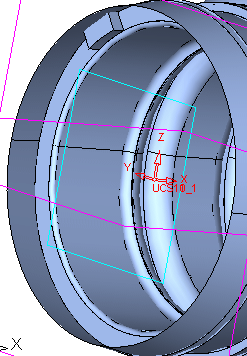
The simple curve takes the attributes of the higher level entity (the sketch).
This is the same for faces and objects. Try changing the color of a face and then the entire object.


