|
|
Chamfer Detect
Chamfer Detect Step 1
The Chamfer Detect option automatically detects sharp edges as candidates for chamfering ("Imaginary" chamfers), as well as "Designed" chamfers based on parameter settings. The detected geometry is then automatically used as input for the chamfering toolpath.
The Chamfer Detect option is displayed for the procedures: Chamfer Open Contour, and Chamfer Closed Contour.
-
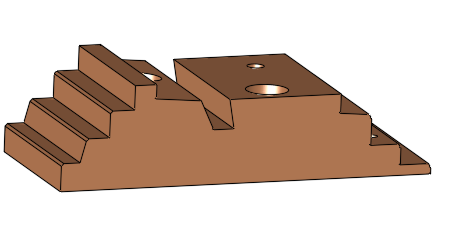
Open the Chamfer_Detection_NC-Ex.elt file.
-
45° Chamfer Geometry Bottom:
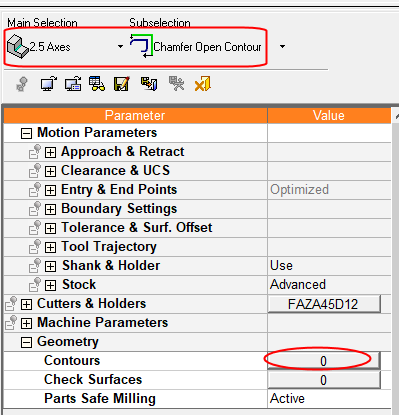
Open a new Chamfer Open Contour procedure and click the Contours button.
-
We want the system to detect the 45° chamfers that exist in the part.


