|
|
Check Gouge Between Positions
-
Duplicate the procedure and edit the new procedure.
-
Ensure that the Check Gouge Between PositionsCheck Gouge Between Positions at the bottom of the Gouge Check tab page (under the Advanced option) is selected.
-
Execute the procedure.
-
Switch to Side view and use the Navigator on the two procedures to view the differences between them.
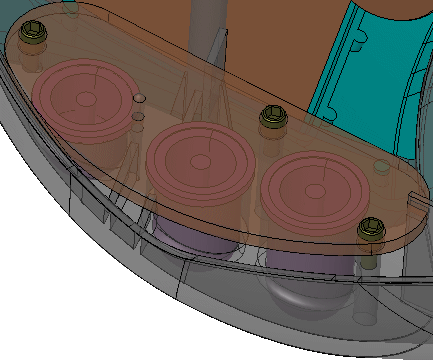
The previous procedures movement is done through less toolpath (TP) nodes than the new one. There may be a possibility for a small gouge in that movement.
Selecting this option causes the gouge check to be more accurate.
The system adds some checking TP nodes between the ones that are normally created, causing the motion to be smooth and move more accurately around the geometry to prevent even smaller gouges.


