|
|
Trim and Relink Toolpath
-
Edit the procedure.
-
Change the Gouge Check Strategy to Trim and Relink Toolpath / Trim Collision Only.
-
In the Stock to Leave box, enter 2mm.
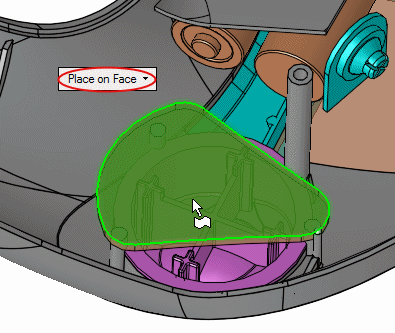
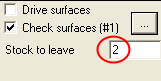
This setting prevents the machining over the check faces and only proceed 2 mm in distance from them. -
Execute and view the results.
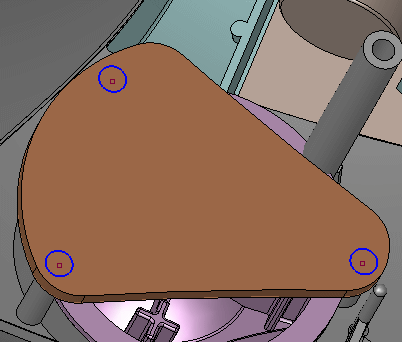
Notice that the check surfaces are bypassed with some rectangular motions. The highest Z point is at 150 mm. The distance in the Y+ direction is even larger.
-
In the Side view, you will be able to view the offset distance from the check faces by zooming-in to the area marked by the BLUE circle.

Notice the offset from the check faces.