|
|
Containment
The Containment function provides the following functionality:
-
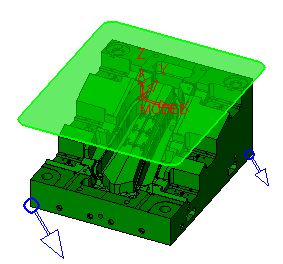
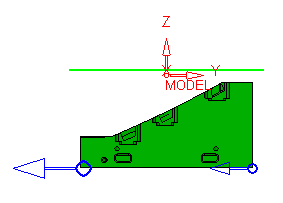
Displays a preview of the used contours in the current procedure, including contour offset conditions.
-
Shows the area that can be covered by the current tool inside the defined contours.
-
Shows the machining area (combination of user contour and part surfaces).
-
Displays at the Z level of the clearance plane.
-
Click the Containment bulb to display it.
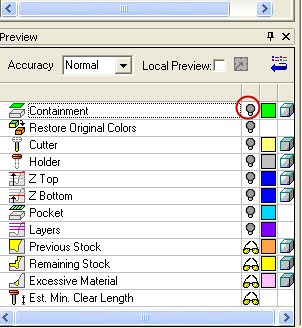
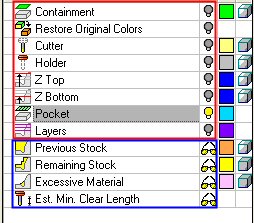
The Preview dialog is divided into two sections as follows:
- Fast Preview - This preview is a relatively quick operation and is automatically updated whenever changes are implemented (such as procedure parameters, accuracy, etc.).
- Manual Update Preview - This preview is a bit slower due to a more complex calculation. Any changes affecting the preview result cause the preview to be reset (deleted). The user must click the Preview icon again to recalculate the preview according to the new parameters.
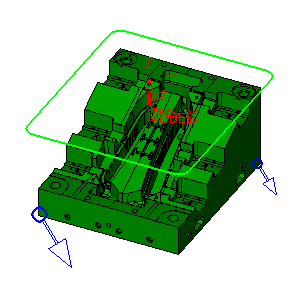
-
Toggle between Wireframe and Transparent mode.

-
Change to the right hand view.
-
Change Clearance Plane values to see the different preview results.



