|
|
Preview
Preview
The Preview dialog provides a set of items that can be quickly previewed and gives a good analysis of the predicted result without actually calculating the procedure.
The Preview dialog reduces overall NC planning time by providing users with more information at an early stage, enabling them to change parameters and see their effect on the estimated result without the need to calculate the toolpath of the procedure.
-
Open the Preview.elt file.
-
Edit the R_Parallel procedure.
-
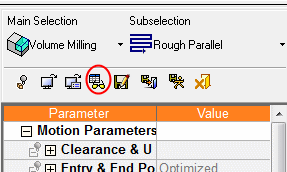
Click the Preview button in the procedure dialog to expand the Preview dialog (you may resize the dialog if required).