|
|
Creating a CleanUp Segment Set
Creating a CleanUp Segment Set Step 1
-
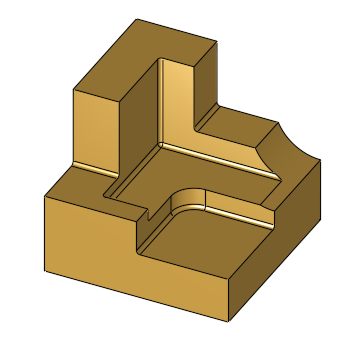
Load the Guided_Cleanup.elt file.
-
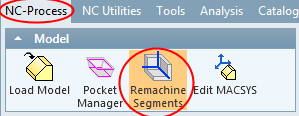
Click Model > Remachine Segments from the NC-Process menu.
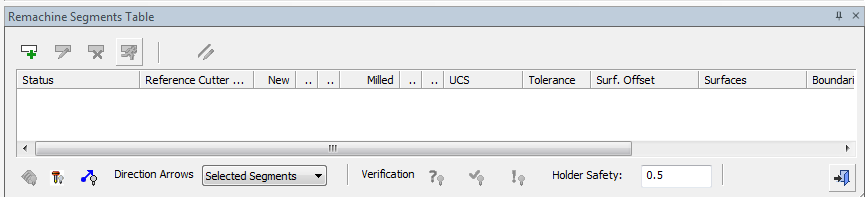
The Remachine Segments Table is opened.
-
Click the Add New Row button.

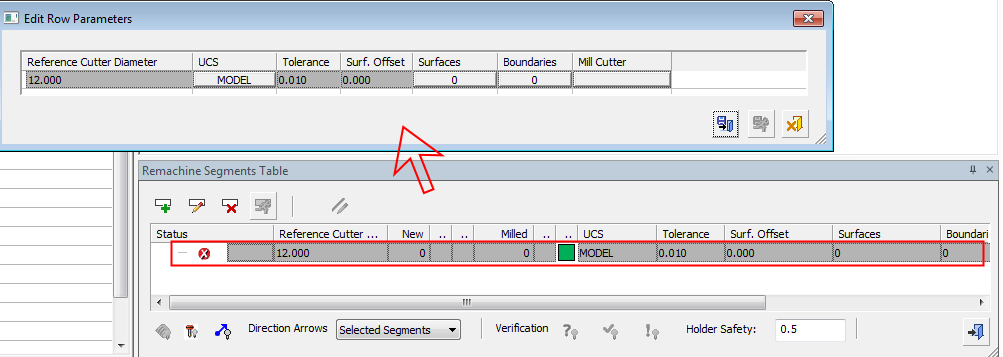
A new row is shown in the Remachine Segments Table and a new Edit Row Parameter dialog appears above it. This dialog contains the parameters for calculating the CleanUp segments.