|
|
Creating a CleanUp Segment Set Step 2
-
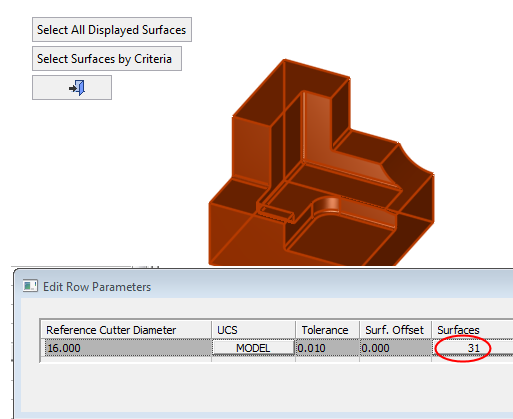
Set the parameters as seen in the following image:

-
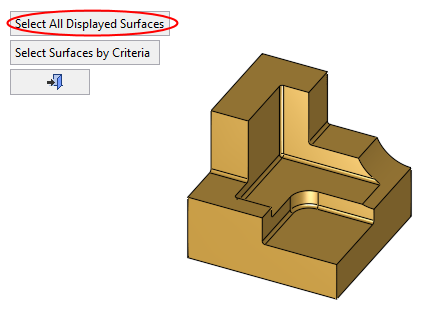
Click Select All Displayed Surfaces button which shows 0 and select all faces.
-
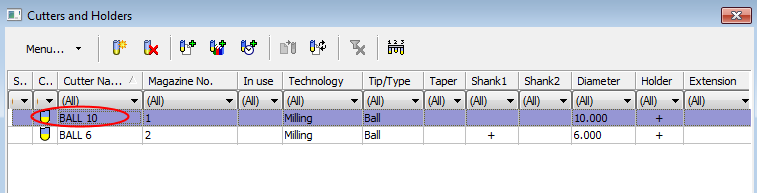
Click the Mill Cutter button and select BALL 10 from the Cutter Table.