|
|
Cycles Logic 5
-
Start a new Measurement procedure and this time select the Rectangle Out cycle.
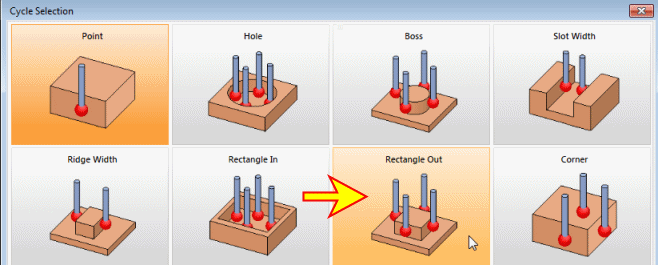
The Rectangle Out dialog is different from the one before as it deals with another geometry feature type and needs other parameters. -
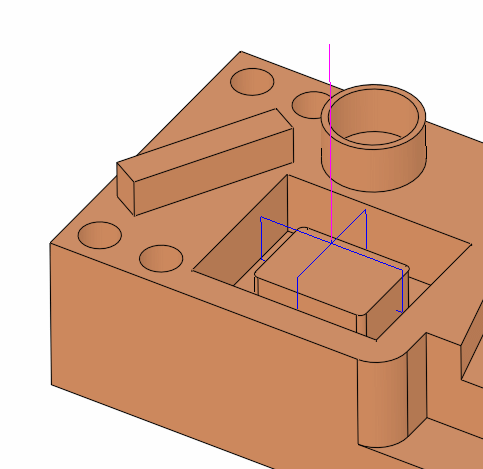
Select the four faces inside the pocket as indicated by the arrows shown in the following image.
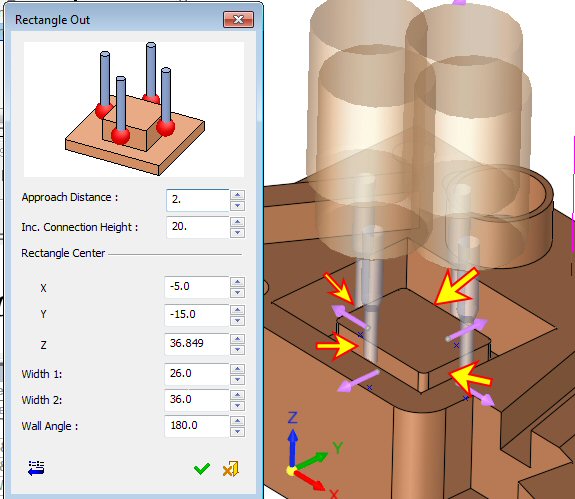
Notice that after the 2nd wall has been picked, all arrows are shifted and positioned in the middle of each wall, pointing away from the rectangle feature center and are in the same height.
The XY values which appear in the dialog are the rectangle center coordinates. Width 1 and Width 2 are the XY dimensions (respectfully). -
Enter all other parameters.
The Inc. Connection Height parameter sets an incremental height from the measuring point in which the probe will pass to the next point, across the measured feature -
Click OK and execute the procedure.