|
|
Define Springs Step 2
-
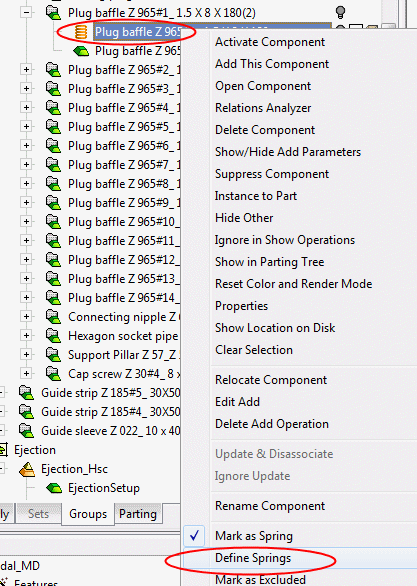
Define the spring parameters; Right-click the component and select Define Springs.
-
Define the parameters as required and click OK.
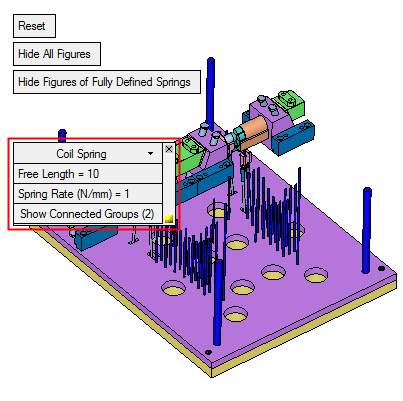
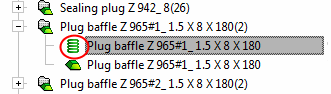
When the spring is properly defined the icon is displayed in green.
-
Deselect the option Mark as Spring for the previously defined component.


