|
|
Save a Set of Motion Simulation Groups
Save a Set of Motion Simulation Groups - Step 1
-
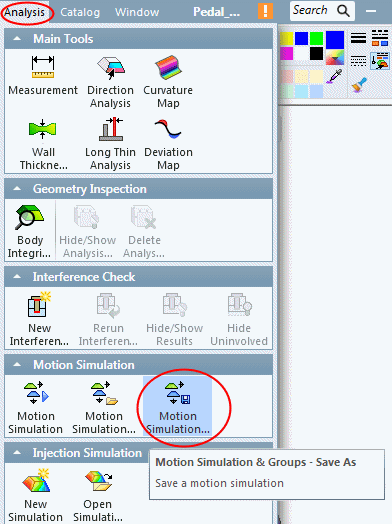
To save the created groups and current simulation status, select Analysis > Motion Simulation > Motion Simulation & Groups - Save As.
-
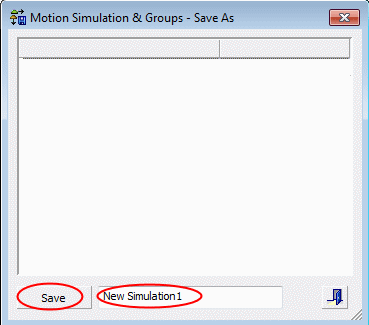
Accept the default name and click Save.
-
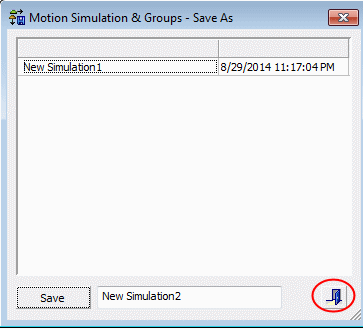
Exit the dialog.