|
|
Define Section by Point and Normal
-
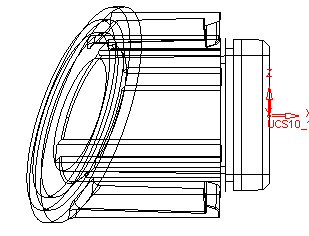
Apply another Stretch operation.
-
Select the body and Exit. Toggle to the By Section option. If you cannot pick a face to define the section, you may pick a point.
-
Select the point indicated by the arrow in the picture below:
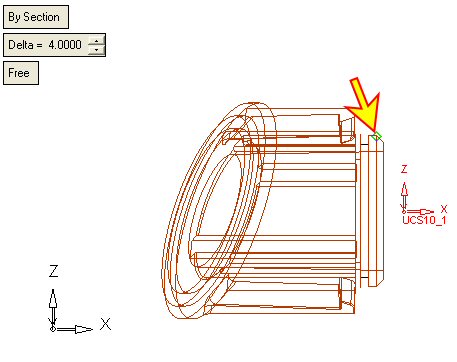
-
The default normal direction is in the Z direction.
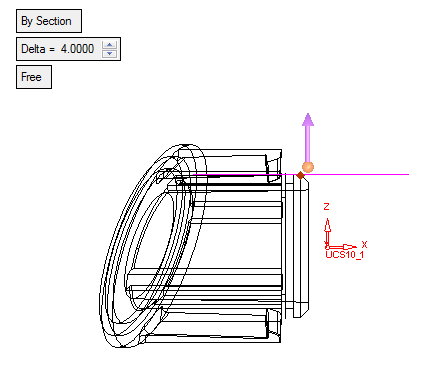
-
Click the arrow's base point. Select the Along XAlong X option.
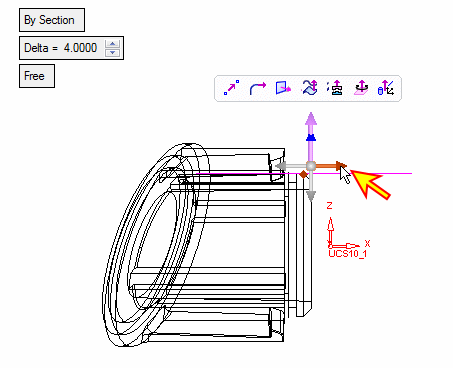
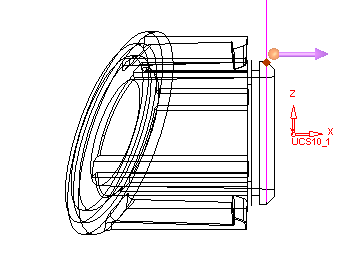
-
Click OK.