|
|
Delta Mid Plane
-
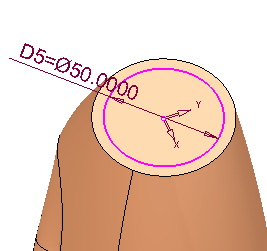
On the XY plane, draw the following sketch.
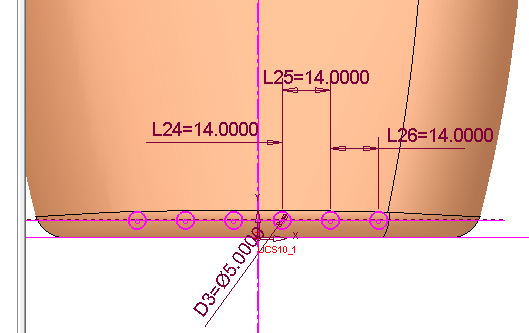
Use the Symmetry, Add Reference (add the parallel plane as the reference geometry), and Diameter (circle) options within the Sketcher.
-
Add the following extrude:
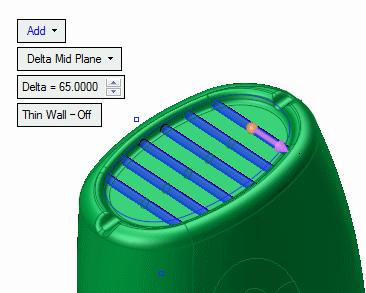
-
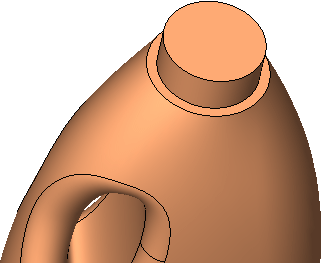
Create an extrude with a Delta of 20 at the top of the loft.
-
Click herehere to see the sketch.
-
Save your work.