|
|
Diameter and Length Compensation
You can explicitly enter both the diameter and length compensation.
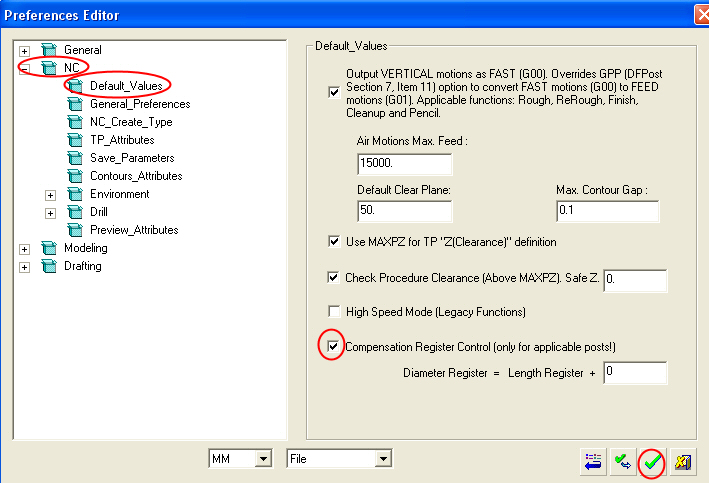
 In the Preferences Editor, check the Compensation Register Control checkbox.
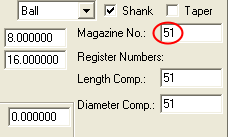
Click the Cutters button. Select one of the cutters, change the magazine number to 51, and press Enter.
The Diameter Compensation and Length Compensation both receive the same number as the default.
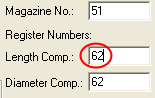
Change the Length Compensation to 62, and note that the Diameter Compensation changes accordingly.
Open the NC Preferences. Select the Default values leaf.
Change the last parameter to 32, save the Preferences, and reopen the cutter table.
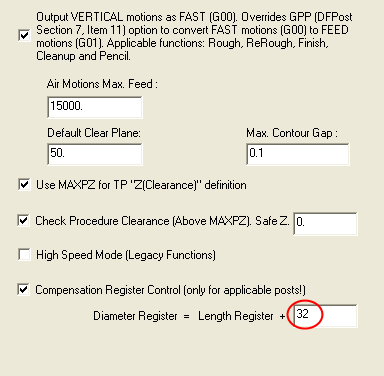
 In many controllers you may wish to use a constant difference between the diameter and length compensations.
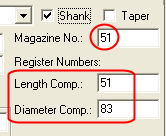
Change the Magazine Number to 51.
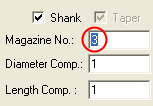
Note that the Diameter Compensation has changed according to the setting defined in the Preferences.