|
|
Additional Information
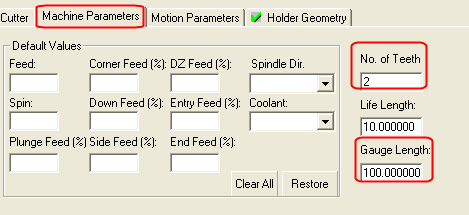
 Note that Number of Teeth and Gauge Length can be found in the Machine Parameters tab.
Cutter in Use Warning
 Switch back to the cutter tab and set the Magazine Number to 1. The following message is displayed:
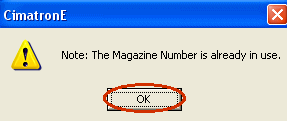
You can keep it this way, or change it to another value. Don't change it for now.
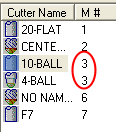
Press M# in the grid.

Notice that there are several cutters that use the same holder number.
Click the Filter Cutters in Use  icon. Again press the M# in the grid.
Now we can see that actually only 2 cutters are in use and share the same holder number.