|
|
Display the Holder
-
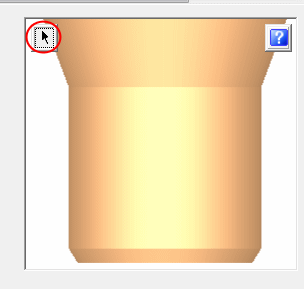
Click the arrow next to the holder figure to display the holder in the graphics area.
-
Pick a location in the graphics window to display the holder.
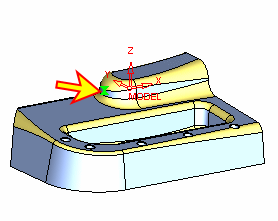
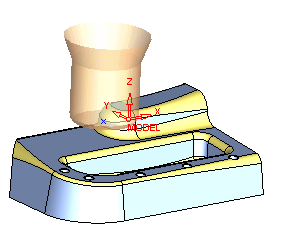
The display of the holder dynamically changes according to the parameter changes.
- Enter the Cutter Library.
Select the Default MM Lib library.
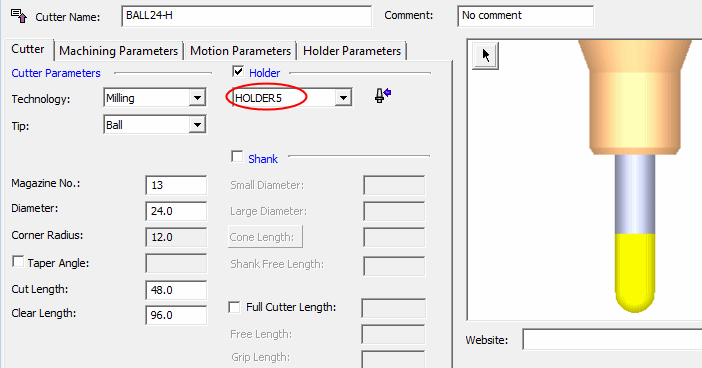
Select the BALL24-H cutter.
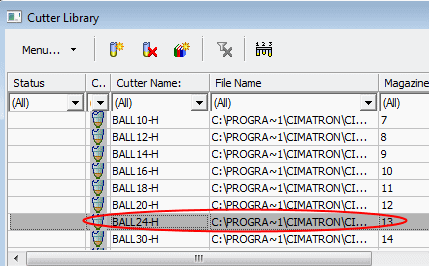
The modified HOLDER5 is displayed in the holder area.