|
|
Edit Holder
-
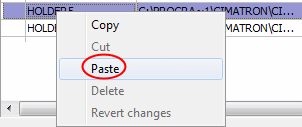
CopyCopy HOLDER5 and pastepaste it into the library.
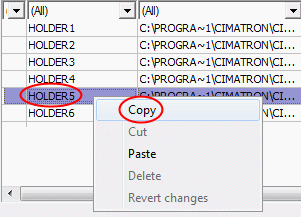
Right-click HOLDER5 and select the Copy option.
-
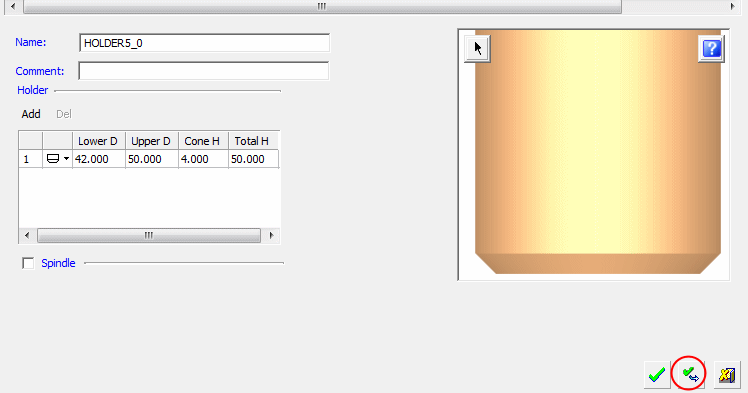
Accept the default holder name. Click ApplyApply to approve the copy.
-
Select HOLDER5 (the original holder not the copied one).
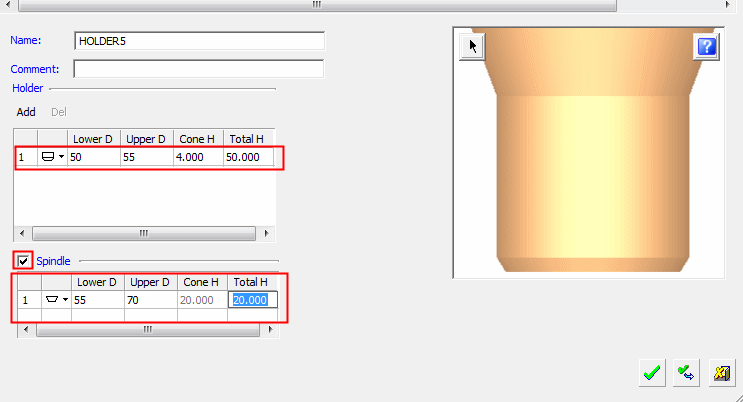
Edit its parameters as shown in the following image, then click Apply.