|
|
Multiple
Drive - Step 1
Use this option to create one or more faces by driving one simple or complex curve over one or two simple or complex spines.
-
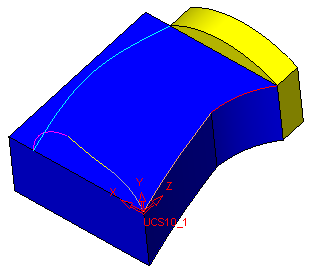
Open the Drive.elt file located in the following folder:
\\Cimatron_Documents\Tutorials\Cimatron_2025.0_Workfiles\Design
-
Select Faces > Create Faces > Drive.
-
Toggle the Single Face option to Multi Faces.
-
For the section, pick the sketch shown below:
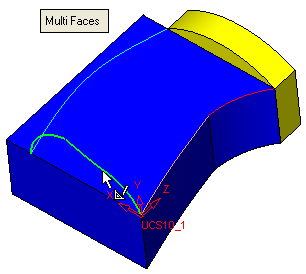
This sketch contains three curves.


