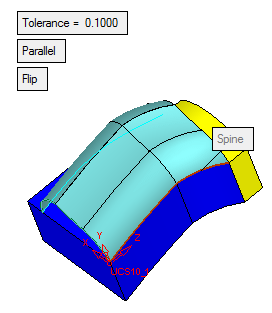
|
|
Drive - Step 2
The required Pick Section(s) step is now complete in the Feature Guide.
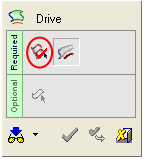
When creating multi faces, only one section can be selected. The section can be of the following types:
-
Single curve
-
Complex sketch
-
Composite curve
-
As the first spine, select the composite curve shown below. Select the Parallel option.
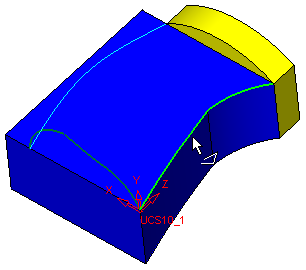
This composite curve contains two curves.