|
|
Single Drive - Step 4
-
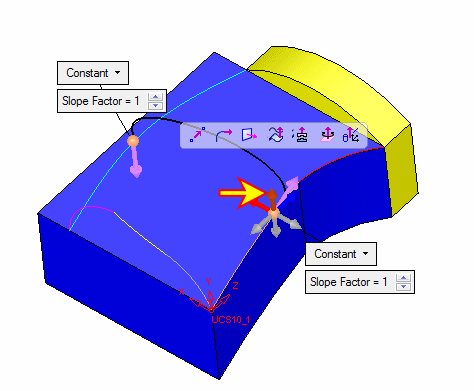
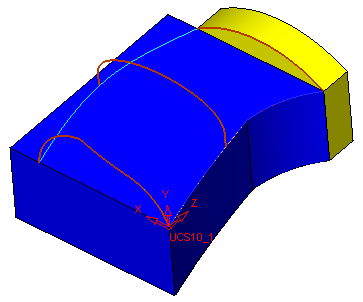
Delete the drive feature and create the spline shown below:
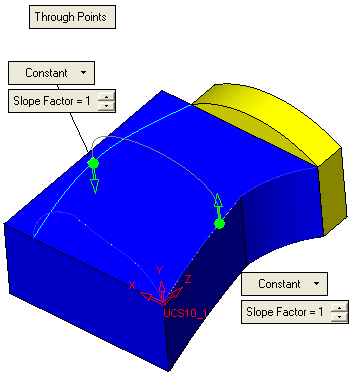
The direction of the spline arrows is Along YAlong Y.
-
Now enter the drive function (Single Face), pick the three sections shown herehere and the spine below:
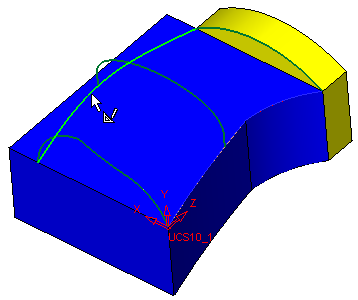
Only one spine can be chosen when selecting MORE than two sections. A maximum of 32 sections can be selected for one spine.
-
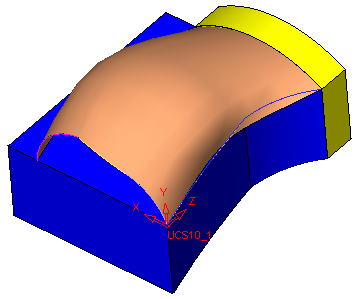
The drive feature with three sections appears as follows: